Resolving Conflicts
Conflicts can occur any time you attempt to update or merge changes from the repository into your working copy. Dealing with them can be difficult without the aid offered by a
specialized tool capable of identifying and managing content changes. Syncro SVN Client
offers integrated tools to solve conflicts, like a built-in diff and merge editor and
interactive conflict resolution for tree-conflicts and merge conflicts.
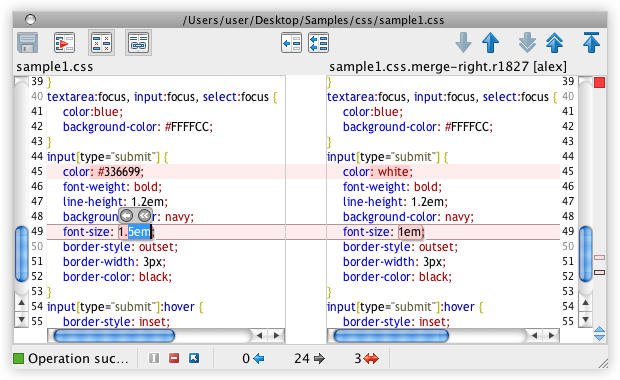
The built-in diff and merge editor presents the compared resources side-by-side,
giving you full control over differences management.
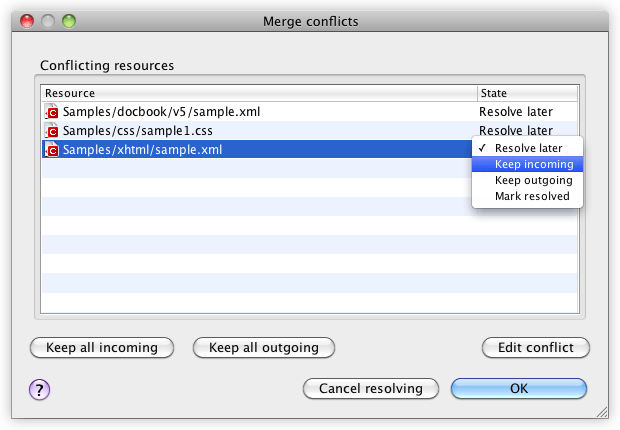
If a merge operation ends with conflicts, it will display a list with conflicting
resources, allowing you to choose the way you want to manage each conflict.
|